AI YouTube Multi-Channel Builder Review 2026: Worth It?
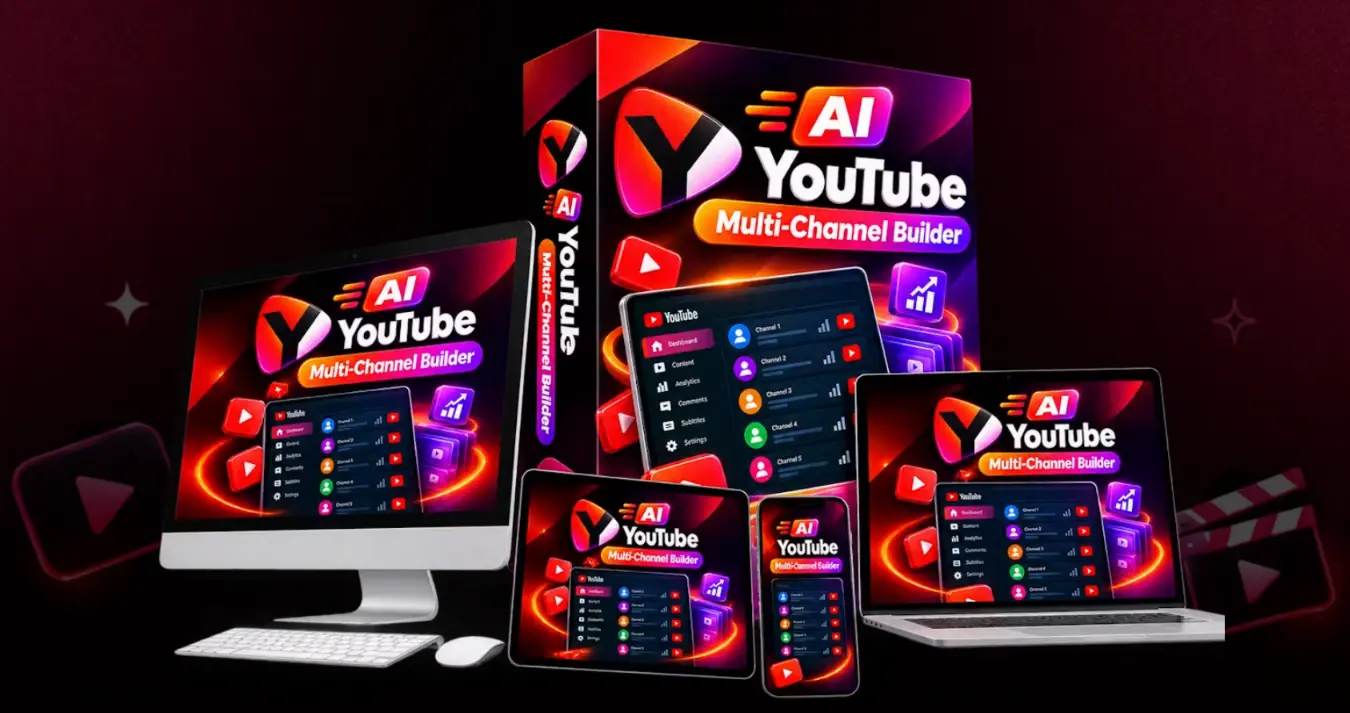
This platform promises to research, script, produce and upload videos across multiple YouTube channels. The workflow is ambitious, but “hands-free” does not remove YouTube policy, quality-control or monetization work.
Important: official sources show conflicting front-end prices. Treat the live checkout as final.
Full Table of Contents
AI YouTube Multi-Channel Builder Review: Powerful Idea, Big Claims
The product’s clearest value is workflow consolidation. It claims to combine niche research, scripts, voice, video generation, captions, thumbnails, metadata and uploading in one dashboard. That may reduce tool switching for creators already managing a repeatable content system.
The main caution is that the strongest promises—60-second channels, unlimited scale and zero manual work—are vendor claims. YouTube success still depends on original value, viewer satisfaction, copyright-safe assets, accurate disclosures and compliance with monetization rules. We did not receive an independent member account for hands-on testing.
Use our online money-making tool evaluation guide to separate production features from earnings claims and plan a small test before expanding your spending.
How This Review Was Researched
We reviewed the official sales page, launch document, JV page information, demo link, funnel URLs and visible guarantee language. Features are described as vendor claims unless directly observable. The product’s stated connection to “GPT-6 Astra,” revenue examples and time-saving statements are not treated as independent performance evidence.
| Statement | Evidence | How to interpret it |
|---|---|---|
| $14.95 one-time price | Visible sales page | Conflicts with JV price; verify checkout |
| $17 EarlyBird + hourly increase | Official JV document | Launch pricing rule, potentially time-sensitive |
| 9 OTOs | Nine official funnel URLs | Stages confirmed; prices not verified |
| Unlimited channels/downloads | Sales-page claim | Ask about fair-use, rendering and account limits |
| 30-day refund | Sales-page FAQ and guarantee copy | Save current order terms and request process |
What Is AI YouTube Multi-Channel Builder?
AI YouTube Multi-Channel Builder is marketed as a cloud-based production and publishing system for launching and operating several YouTube channels from one dashboard. It targets faceless-video creators, agencies and marketers who want long-form and Shorts output without building a separate stack for scripts, voiceovers, editing and metadata.
| Item | Current information |
|---|---|
| Product type | AI YouTube research, creation and publishing platform |
| Launch start | September 18, 2026 at 11 a.m. ET |
| Access model | One-time/lifetime positioning on sales material |
| Commercial use | Commercial license advertised |
| Languages | 30+ languages claimed for voice and dubbing |
| Output | 16:9 videos, 9:16 Shorts and up to 4K claimed |
| Guarantee | 30-day money-back guarantee advertised |
| Key unknown | Credits, fair-use limits, OTO inclusions and publishing safeguards |
How Is the Platform Supposed to Work?
- Choose a niche or input. Start with a topic, idea, URL, image or script.
- Generate the content package. The system claims to research topics, write scripts, create voiceovers, source visuals and add captions and music.
- Prepare channel assets. Names, logos, banners, thumbnails, titles, descriptions and tags are promoted as automated outputs.
- Review and customize. A responsible creator should check facts, licensing, pronunciation, pacing, branding and disclosure requirements.
- Upload and measure. Publish or schedule only after approval, then track retention, clicks, watch time and policy alerts.
Official Demo
The JV document links to a vendor-hosted Google Drive walkthrough. Use it to verify the dashboard, editor, channel connection, approval controls and actual upload process. A vendor demo demonstrates the intended workflow; it is not independent testing.
Watch the official AI YouTube Multi-Channel Builder demoMain Features and Real-World Implications
A Safer Beginner Workflow
- Connect one test channel—not every account.
- Generate one video and inspect every asset license.
- Rewrite the opening, add original commentary and verify facts.
- Review voice cloning, synthetic-content disclosure and brand safety.
- Upload privately or unlisted before public scheduling.
- Measure retention and viewer feedback for several uploads.
- Scale only after the format proves useful and policy-safe.
Pricing, OTOs, and the Key Conflict
Nine official OTO URLs are listed, but the document does not provide their names or prices. We will not invent a funnel table. Treat every post-purchase offer as optional and record the total before accepting it.
| Stage | Verified status | Buyer action |
|---|---|---|
| Front end | $14.95 sales page / $17+ JV document | Confirm live checkout amount |
| OTO 1–9 | Official pages exist; names/prices unverified | Buy only for a specific missing capability |
| Recurring cost | No monthly fee advertised | Confirm API, rendering, stock-media and fair-use terms |
AI YouTube Multi-Channel Builder Coupons
The official JV document lists two codes. Test both at checkout; they may expire or apply differently across funnel stages.
At $14.95, a valid 35% reduction would mathematically be $9.72 before tax, while $5 off would be $9.95. At $17, the same results would be $11.05 and $12. The live checkout is the authority.
Bonuses and Limited-Quantity Claims
The sales page says the first 100 buyers receive a Multi-Channel Scaler and 500 Template Vault activated free. It also mentions an AI Voiceover and Thumbnail Pack plus a 100 Faceless Channel Niche Pack. These are vendor offers, not independently valued assets. Confirm eligibility, access duration, rights and whether the countdown or buyer limit is still active.
Pros and Cons
Potential advantages
- Broad end-to-end workflow in one place
- Long-form and Shorts support
- Multilingual voice and dubbing positioning
- Commercial license advertised
- Low front-end launch pricing if current
Important limitations
- Official price sources conflict
- OTO costs and exact names remain unclear
- “Unlimited” and “zero work” require verification
- Automation can scale low-value content quickly
- No independent performance dataset was found
YouTube Policy, Copyright, and Account Safety
Automated publishing does not transfer responsibility away from the channel owner. Repetitive, reused, misleading or low-value content can create monetization and audience problems. Stock clips, music, cloned voices, thumbnails and scripts should have clear commercial rights. Synthetic or altered material may require disclosure depending on what it depicts.
Start with the minimum account permissions, use authorization rather than sharing passwords, keep backup copies, and learn how to revoke access. Test the first upload as private. Never clone a real person’s voice without permission, and do not treat generated metadata as proof that a video complies with YouTube rules.
Alternatives Compared
| Option | Best for | Strength | Tradeoff |
|---|---|---|---|
| AI YouTube Multi-Channel Builder | All-in-one automation experiment | Wide claimed workflow coverage | Evidence and limit questions |
| InVideo AI | Prompt-to-video creation | Established editing workflow | Subscription/usage limits may apply |
| Pictory | Turning scripts or articles into videos | Focused repurposing | Not a complete channel-network system |
| Canva + YouTube Studio | Creators wanting control | Manual review and brand consistency | More hands-on work |
| Editor/VA workflow | Quality-focused channels | Human judgment and customization | Higher ongoing cost |
Who Should and Should Not Buy?
Is AI YouTube Multi-Channel Builder Legit?
The offer has a functioning sales page, official launch documentation, demo, coupons and a stated refund policy. Those are useful trust signals. They do not prove the “zero manual work,” scale, earnings or performance claims. The conflicting price and missing public OTO detail reduce transparency.
Our conclusion is a real launch offer with ambitious claims that require first-hand verification. Save checkout screenshots, license terms and the refund policy before paying.
30-Day Guarantee and Support
The sales page advertises a 30-day money-back guarantee and says dissatisfied buyers can contact support for a refund. It does not mean the product guarantees channel approval, monetization or earnings. Confirm the seller of record, support address, eligible purchases and evidence requirements on the live order page.
Frequently Asked Questions
What is AI YouTube Multi-Channel Builder?
It is a cloud platform marketed for automating research, scripts, videos, thumbnails, metadata and uploads across multiple YouTube channels.
How much does it cost?
The sales page shows $14.95 while the JV document says $17 with hourly increases. Verify the checkout.
Is there a coupon?
YTMULTI35 and YTMULTI5 are listed in the official launch document.
Are there OTOs?
Yes. Nine OTO pages are listed, but their names and prices were not confirmed in the supplied document.
Does it have monthly fees?
The seller advertises one-time lifetime access with no monthly fee. Confirm external costs and fair-use limits.
Can it upload automatically?
Direct YouTube uploading is advertised. Test one private upload and review account permissions first.
Does it guarantee monetization?
No. Software cannot guarantee approval, views, retention, subscribers or revenue.
Can I use videos commercially?
A commercial license is advertised, but users should retain the actual license and verify every media asset’s rights.
Are the channels really unlimited?
“Unlimited channels” is a vendor claim. Ask about fair-use, rendering, storage and YouTube connection limits.
Is AI content safe for YouTube?
AI-assisted content can be published, but quality, originality, copyright, disclosure and monetization policies still apply.
What is the refund period?
The sales page states 30 days. Save the current refund terms before purchase.
Who is it best for?
It best suits marketers who already understand channel strategy and can supervise AI-generated output.
Final Recommendation
AI YouTube Multi-Channel Builder has an appealing idea: replace a fragmented tool stack with one channel-production dashboard. At a low front-end price, it may be worth testing for a creator who understands that automation must be supervised.
Start with the front end, one test channel and private uploads. Do not purchase nine upgrades or connect every account until the platform demonstrates acceptable output, clear rights, real limits and dependable tracking. The product can automate tasks; it cannot automate judgment or guarantee a YouTube business.
Check the Live Offer →Sources and Editorial Notes
- Official sales page — feature, price and guarantee claims.
- Official JV page — launch and affiliate information.
- Official launch document — coupons, early-bird price, demo and funnel URLs.
Affiliate and Earnings Disclaimer
DigitalProUSA.com may earn a commission when you purchase through qualifying links on this page, at no additional cost to you. Compensation does not guarantee a positive recommendation. Prices, coupons, bonuses, features, limits and refund terms can change. AI software does not guarantee views, subscribers, monetization, clients, rankings or earnings. Verify current checkout terms and YouTube policies before purchasing or publishing.





💬 Leave a Comment
Click to rate