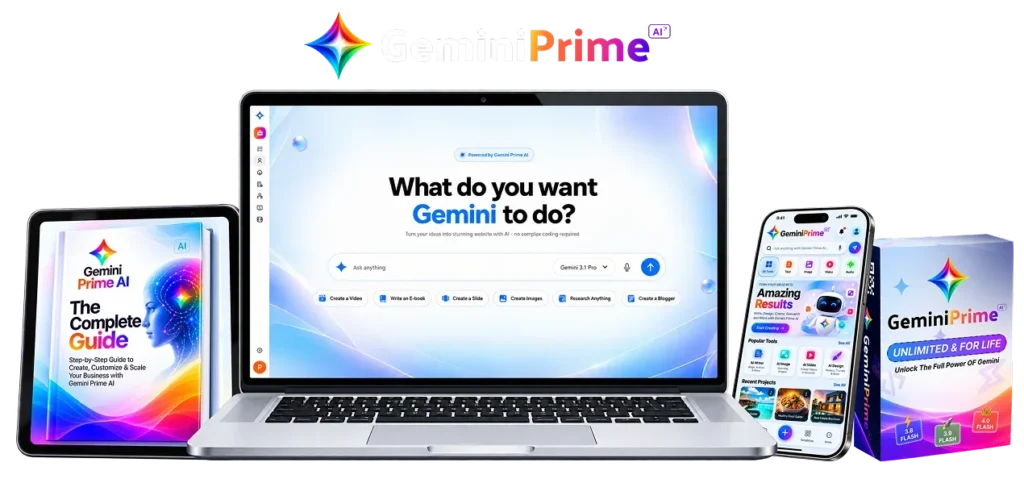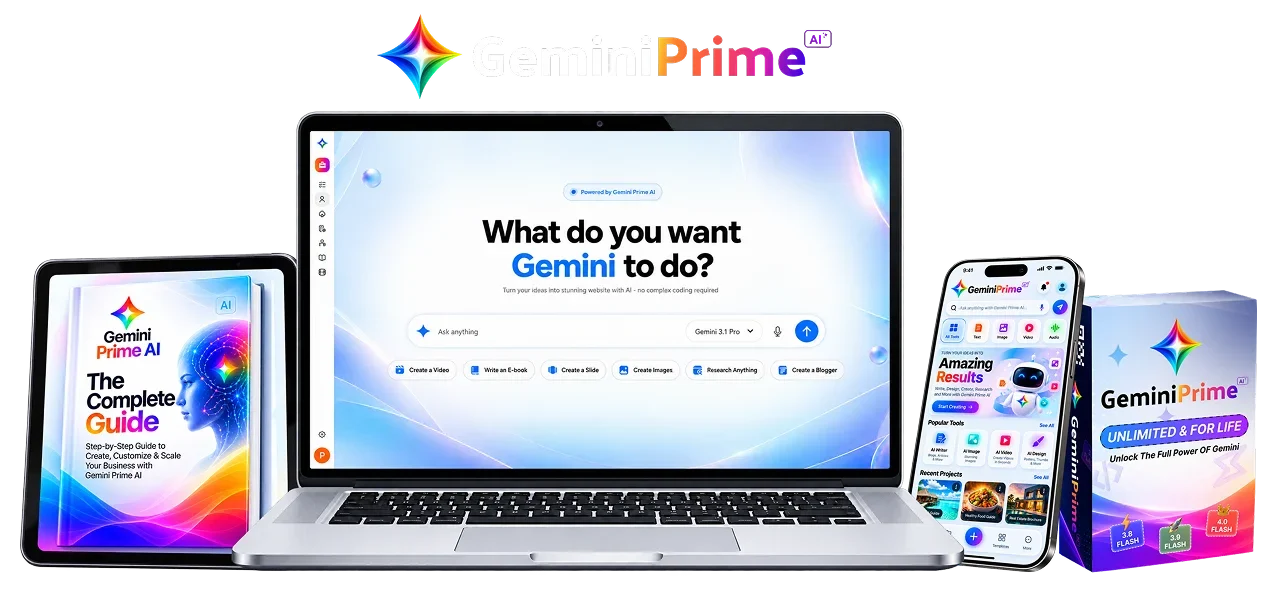
GeminiPrime AI offers an appealing proposition: use several AI capabilities in one workspace for a displayed $17 one-time entry price. The important question is whether that workspace delivers the specific tasks you currently pay other tools to complete.
Short verdict: assess GeminiPrime AI as a third-party workflow product. Do not assume the purchase creates an official Google subscription or identical access to Google's apps. Its advertised combination could suit creators and freelancers, but exact model access, practical allowances, editable output and connected-account controls need demonstration.
The preview also contains inconsistent product names in its coupon, bump and refund copy. Confirm the checkout product and written terms before paying.
Affiliate disclosure: DigitalProUsa may earn a commission through offer links, usually at no additional cost to you. This is a source-based review; we have not purchased or tested the software.
Table of contents
- What is GeminiPrime AI?
- Quick verdict: broad scope, unresolved access terms
- How we researched this review
- How GeminiPrime AI is intended to work
- GeminiPrime AI review: evaluate features by finished work
- Model names: existence and access are different questions
- A practical workflow before using real projects
- Official training and demonstration
- GeminiPrime AI pricing and optional upgrades
- Coupon and order-bump inconsistencies
- Lifetime, unlimited and future releases
- Bonuses: separate the two lists
- Google Workspace integrations and privacy
- What GeminiPrime AI does not remove from your work
- Commercial outputs and rights
- Alternatives: choose the service that matches the job
- Who should consider it, and who should wait?
- GeminiPrime AI pros and cons
- Is GeminiPrime AI legit? A trust assessment
- Independent customer reviews and complaints
- Refund and support
- GeminiPrime AI review FAQ
- Related guides: costs, connected workflows and client delivery
- About this review
- Final verdict
What is GeminiPrime AI?
GeminiPrime AI is marketed as a dashboard for researching, writing, generating media, building digital projects and working with Google apps. It advertises one-time access, no monthly fees, no credit counters and a commercial license.
That scope spans several different jobs. A useful drafting feature does not establish a production-ready website builder. A video option does not establish the required resolution, duration, audio control or rights. Each task needs its own acceptance test.
The launch document identifies Pranshu Gupta and Bizomart support. Linked legal pages use the name OPPYO. The exact legal seller relationship was not established. A similarly named browser extension exists separately; its ratings and features are not evidence for this offer.
Quick verdict: broad scope, unresolved access terms
Strongest potential benefit: fewer handoffs across drafting, media and digital projects. Biggest limitation: actual included capacity and outputs remain untested. Best potential buyer: a creator or freelancer with a defined task and time to review the result.
| Area | Assessment |
|---|---|
| Feature breadth | Broad advertised scope; exact tier inclusion untested |
| Ease of use | Not scored without interface testing |
| Value | Conditional on usable outputs and real replacements |
| Transparency | Mixed; price, identity and terms conflicts need resolution |
The strongest potential benefit is fewer handoffs between tasks. The biggest purchasing risk is treating broad promotional labels as a defined service contract.
How we researched this review
We inspected the supplied preview, JV page and launch document; checked linked bonus, legal and training materials; and consulted primary model and Google service documentation. Product claims remain vendor-provided unless the source supports a narrower finding.
We retrieved a product-specific training page and its video host. We did not watch a complete project end-to-end, inspect purchased-tier outputs or verify typical performance.
Our review methodology explains the evaluation approach; our sources policy explains source handling.
How GeminiPrime AI is intended to work
The materials describe a combined dashboard, not a fully verified end-to-end procedure. Use this four-stage evaluation sequence to inspect the promised workflow; it does not prescribe unverified buttons.
- Setup: identify the included entry-tier tools and accounts; connect only what your sample task needs.
- Create: supply approved inputs and select a suitable advertised capability. Ask the seller to demonstrate this on the exact tier you intend to buy.
- Review and export: edit claims, visuals or code; open the downloaded file in the destination application.
- Use and monitor: publish or deliver only after QA. Record failures, revision work and external costs.
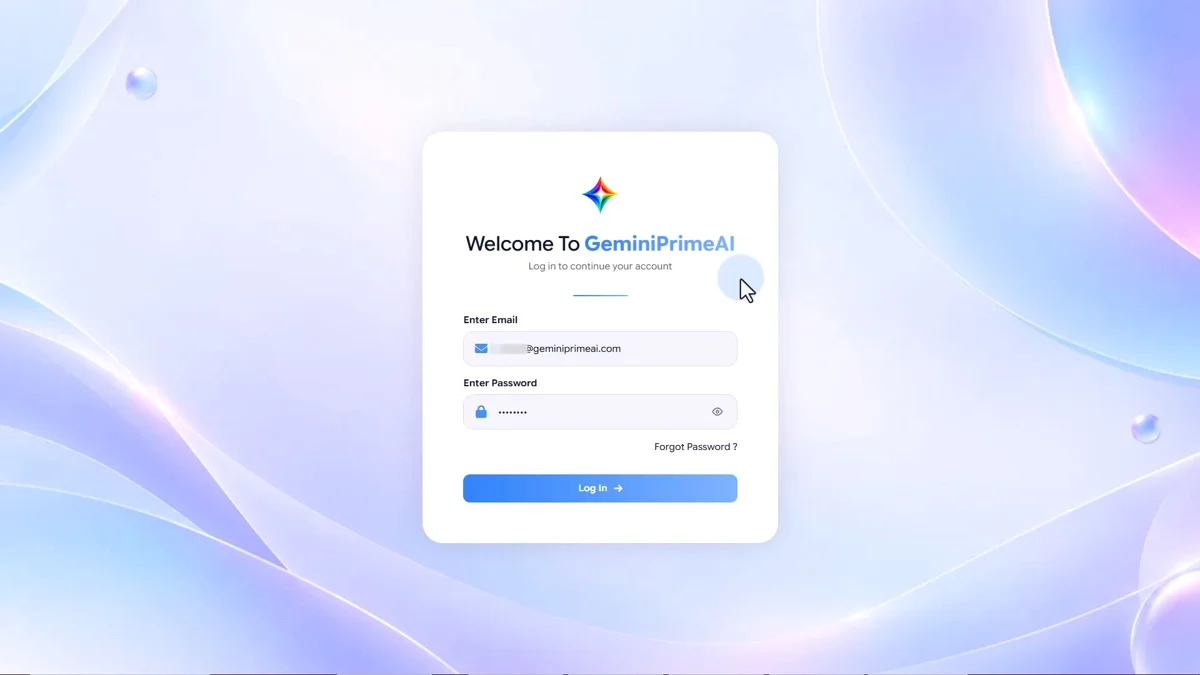
The training login thumbnail establishes product-specific training material. It does not show how well downstream creation or exports work. Human judgment remains necessary at the review and delivery stages.
GeminiPrime AI review: evaluate features by finished work
| Advertised feature | Useful buyer job | What must be demonstrated |
|---|---|---|
| AI research and writing | Turn approved source material into a draft | Traceable facts, editing controls and usable downloads |
| Multiple model access | Choose a model for different tasks | Actual endpoint, version, context and routing behavior |
| Image generation | Produce design concepts and assets | Resolution, consistency, revision control and license |
| Video and music | Prepare media for campaigns | Duration, export format, audio and rights |
| Sites, apps and games | Build a working digital project | Source export, hosting, dependencies and functional checks |
| Google app workflows | Reduce repeated document and email work | Permissions, supported actions and review before writes |
| Commercial license | Use outputs for client projects | Written scope and any asset or platform exclusions |
Choose one recurring task to evaluate first. If your job is preparing a source-based client report, ask for a report built from representative non-sensitive inputs and inspect the exported document. A feature list cannot tell you the repair effort.
Use our guide to choosing an AI tool around the work you need to finish to define the requirements before selecting an offer.
Research and writing
Use approved sources to prepare a structured draft. Compare source coverage, factual accuracy and revision effort; an attractive summary is not evidence of correctness.
Images and creative media
NanoBanana, GeminiOmni and Lyria are vendor labels for image, video and music work. Ask for representative exports with dimensions, duration and audio quality relevant to your destination.
Sites, apps and games
Antigravity is advertised for digital builds. Confirm source access, hosting, dependencies and ongoing maintenance. Test forms and functions before treating a mockup as a working project.
Notebook-style research
NotebookLM research is mentioned in promotional material. Establish which source formats, citation controls and exports are supported; do not infer native Google app entitlements.
Google app work
Gmail, Docs, Sheets, Slides and other app workflows are advertised. Inspect the actual permission scopes and whether each action creates a draft or writes to a live destination.
Client production
A broad commercial-use claim may fit a freelancer. Practical usefulness depends on client-ready files, permitted assets and affordable repair work rather than the number of generation options.
Model names: existence and access are different questions
The vendor names Gemini 4 Argon, Gemini 3.8 Flash and Gemini 3.7 Flash, alongside Claude Opus 5.5, ClaudeFable 5.1 and GPT-6 Astra as bonus access.
The checked primary documentation identifies Gemini 3.8/3.7 Flash, Claude Opus 5.5 and GPT-6 Astra. That establishes the models in their providers' ecosystems; it does not prove GeminiPrime AI provides those exact versions with equivalent limits or tools. Gemini 4 Argon was not established in the checked Google catalog and search.
Ask for the actual model identifier, routing method and included capabilities. A dashboard label or model logo is insufficient. Also ask what happens when a model changes or becomes unavailable.
References: Google model catalog, Anthropic Opus documentation and OpenAI GPT-6 Astra documentation.
A practical workflow before using real projects
- Define a deliverable and acceptance criteria. For example, a two-page report with supported factual statements and an editable file.
- Use approved, non-sensitive sample material.
- Inspect the draft and every material claim.
- Revise and measure how much repair is needed.
- Download the result and confirm it is usable outside the workspace.
- Repeat the same test on the alternative you already use.
These are proposed evaluation steps, not verified GeminiPrime interface instructions. Keep task logs and originals so the decision rests on observable output.
Worked evaluation example: a client report
Editorial example, not GeminiPrime output: use an approved brief and three source documents to prepare a two-page report. Require a source for each material factual claim, a readable structure and an editable download. Reject unsupported claims, revise the draft and compare the same task in your current tool.
| Check | Record | Why it matters |
|---|---|---|
| Accepted files | Results that meet the brief after review | Measures usable output rather than raw generation |
| Repair effort | Minutes spent fixing claims, structure and formatting | Shows the workload the dashboard actually leaves |
| Export portability | File opens in your chosen editor | Establishes whether you can revise outside the service |
| Direct expenses | Actual software, delivery and hosting charges | Tests a claimed saving against your real costs |
| Support issues | Ticket date, evidence and resolution | Helps evaluate the service during your purchase period |
If you choose to value your time, use an explicit assumption: at $20 per hour, 30 minutes of repair is $10. That arithmetic is a personal budgeting illustration, not a measured repair time or predicted return. A $17 purchase does not determine ongoing cost per accepted result.
Before publishing, check the destination’s current rules and inspect the final file. For commercial projects, monitor accepted deliveries, revision rounds, client feedback and net receipts after real expenses; do not interpret a training income claim as an expected result.
Official training and demonstration
An official “Get Started With GeminiPrime AI” article exists in the Bizomart knowledge base and embeds a product-specific DotcomPal video. This is vendor training, not an independent test. The host and MP4 endpoint responded during research; we did not assess a complete project or typical results.
Open vendor GeminiPrime AI training video
Read the official training article or open the vendor training video directly.
GeminiPrime AI pricing and optional upgrades
The preview displays $17 for one-time entry access. The supplied affiliate destination and preview checkout requests were blocked during retrieval, so this is a displayed promotional price, not a confirmed checkout total.
| Stage | Vendor-listed price | Purchase question |
|---|---|---|
| Front end Special | $17 | Does it include your essential tools and outputs? |
| Max | $67–$127 | Which limits or features change at each option? |
| DFY | $97 in document; $77 in image | Which price and deliverables apply? |
| Automation | $67 | Which actions and approval controls are included? |
| Profit System | $37 | What teaching/resources are supplied, without assuming income? |
| Business Accelerator | $47 | Does it add a capability you need? |
| Agency | $197 | What client/team permissions are actually licensed? |
| Reseller | $67–$97 | What may be resold and under what conditions? |
| Whitelabel | $297 | Which branding, hosting and support duties transfer? |
If every document-listed stage were purchased, the listed amounts sum to $893–$983 including the front end. The funnel image sums to $963. These alternative sums exclude taxes, bumps and discounts and are not required purchase totals.
The OTO 2 difference is a genuine source conflict. The names of the upgrades do not establish their complete capabilities. Start with your requirements rather than assuming every later offer is necessary.
Confirm the product name, included tier, total charge and written terms.
Check Current GeminiPrime AI OfferWhich upgrades can a beginner skip?
| Optional stage | Possible relevance from its label | Beginner decision |
|---|---|---|
| Max | A larger tier or added tools; exact difference unknown | Skip unless a necessary entry-tier limit is demonstrated |
| DFY | Prepared resources; precise scope unknown | Skip until samples and deliverables justify the price |
| Automation | Recurring connected actions | Skip while testing one manual deliverable |
| Profit System / Business Accelerator | Teaching or business resources; contents unresolved | Skip if they do not answer a defined skill gap |
| Agency | Client/team rights | Skip for solo use; confirm separation and written permissions |
| Reseller | Selling access under a specific agreement | Skip if you only want to create outputs |
| Whitelabel | Rebranding rights and obligations | Skip without a business need and a written operating agreement |
These are editorial purchase criteria inferred from the stage names, not verified upgrade specifications. No downsell or Fast Pass terms were confirmed. No recurring API or hosting fee was established for the entry dashboard; do not assume a separate provider account is required. Confirm bring-your-own-key, hosting, storage, domain and delivery charges where your project needs them.
Coupon and order-bump inconsistencies
The launch document lists GEMINI2 for $2 off the entire funnel. The preview's exit popup instead displays ASTRAMAX2. We have not redeemed either code for this product.
The preview also shows a $9.97 bump under a GeminiPrime Success Pack heading, but its body describes a GPT Astra MAX Power Pack. That is not a reliable basis for including those resources in a GeminiPrime package assessment.
Confirm the order name, code eligibility, selected tier, final charge and actual bump contents. Do not combine the offers or promise a discounted price until the purchase details agree.
Lifetime, unlimited and future releases
“No credit counters” describes a promotional access claim. It does not answer questions about concurrency, task size, video duration, rate limits, model availability or fair use.
Request written terms covering those limits and the duration of hosted access. Ask whether future releases refer to this software's updates, model-provider releases or both, and what happens if a provider changes its service.
Do not cancel an existing subscription until a representative workload succeeds in the replacement. Buying a dashboard does not establish identical entitlements in Google's own apps or services.
Use our lifetime AI tools checklist to compare capacity, access and exit options.
Bonuses: separate the two lists
The preview lists six training themes around avatars, AI income, video promotions, talking cartoons, social-media services and subscription content. Its assigned $5,999 value is a vendor valuation.
The linked exclusive-bonus document separately names fifteen resources: Power Prompts, Master Commands, Business Ideas, Service Ideas, DFY Agency Assets, Outreach Templates, Agency Offers, Website Templates, Funnel Templates, Content Templates, Video Workflows, Digital Product Templates, App/Coding Projects, Automation Workflows and a 30-Day AI-to-Income Blueprint.
These are listed resources, not inspected downloads. Confirm whether both sets apply to your purchase and which formats, licenses and instructions are included. Income-oriented names and large assigned values are not evidence of results.
What the listed resources might help you do
| Bonus document resource | Advertised quantity | Potential use and overlap |
|---|---|---|
| Power Prompts Vault / Master Commands | 500+ / 200+ | Starting instructions; may overlap the same drafting jobs |
| Business Ideas / Service Ideas | 100+ / 50+ | Candidate directions; require demand research and skills |
| DFY Agency Assets / Agency Offers | 50+ / 50+ | Customizable materials; examples and licenses need inspection |
| Client Outreach Templates | 100+ | Draft messages; no proof of response or client acquisition |
| Website / Funnel Templates | 30+ / 25+ | Layout starting points; hosting, editing and functionality still matter |
| AI Content Templates | 100+ | Draft structure; factual review and differentiation still needed |
| Video Creation Workflows | 50+ | Process ideas; exact exports and platform fit need checking |
| Digital Product Templates | 25+ | Starting files; editable formats and resale permissions unknown |
| App & Coding Projects | 50+ | Project ideas; no proof of production readiness |
| Automation Workflows | 100+ | Task ideas; confirm supported actions and permissions |
| AI-to-Income Blueprint | 30 days | A proposed learning/action schedule, not an income guarantee |
The six preview themes are avatars, income training, video promotions, talking cartoons, social-media services and subscription content. Assess them as training themes rather than six additional software capabilities. Their vendor-assigned value does not establish what you would otherwise pay. Access to either list, resource quality and actual license scope were not verified.
Google Workspace integrations and privacy
The vendor mentions Gmail, Docs, Sheets, Slides, Calendar, Drive, YouTube and Blogger. Official training categories include Google Workspace, but the permissions and complete supported-action list were not established.
Ask what the connection can read, create, modify or send. Begin with a sample document or draft task. Confirm an approval step before external changes, inspect the first result and know how to disconnect.
Linked privacy and terms pages discuss OPPYO, but do not settle this review's questions about prompts, connected Workspace data, model-provider processing, retention, training or deletion. Obtain those answers before using confidential client material.
Plan a small pilot with our Google Workspace AI automation workflow.
Authorization and removing access
Inspect the Google authorization screen and grant only scopes required for your pilot. Do not share your Google password with a third-party vendor. Google permits users to review and remove third-party account connections; removing access does not establish that previously copied data has been deleted. Ask the seller about deletion separately. These are general account practices, not confirmation of this product’s implementation.
Primary reference: Google guidance on third-party account access.
What GeminiPrime AI does not remove from your work
A combined dashboard does not supply a validated audience, finished strategy, automatic customers or guaranteed income. “Unlimited” does not define every practical limit. A commercial license does not settle rights in every generated asset.
Before publishing or handing over a result:
- Check factual claims against the underlying sources.
- Inspect text, imagery, audio and code for errors and rights issues.
- Open all required formats and retain editable backups.
- Confirm links, forms and automation destinations before activation.
- Match the result to platform rules and client acceptance criteria.
- Measure accepted outputs and repair effort, rather than raw generation count.
These are general QA responsibilities, not documented GeminiPrime AI failures.
Commercial outputs and rights
A commercial license is advertised for client work. Agency, reseller and white-label options are separately listed. Do not infer their rights from the entry license.
Check permission for every input and asset, confirm editable handover formats and define the client's acceptance criteria. Generated code requires functional checks; media needs inspection; written deliverables need factual review. Those responsibilities remain even when creation is automated.
“Keep 100% of profits” is marketing wording, not a net-income calculation. Editing, platform charges, hosting and operating costs can still apply.
Use the AI client deliverables checklist before handing over documents or media.
Retain the applicable license version and check exclusions for source assets, recognizable brands and third-party material. Commercial use does not automatically mean PLR, master-resale rights or permission to sell the software. For regulated or sensitive content, obtain appropriate specialist review before use. These are practical due-diligence points, not legal advice.
Alternatives: choose the service that matches the job
Choose by the job you need to finish, rather than the number of model names. Three meaningful alternatives are direct Google AI plans, Google Workspace with Gemini, and a Gemini API/AI Studio workflow. Keeping existing specialist tools is also a valid manual alternative.
| Approach | Best-fit job / output | Integration and rights check | Pricing style | Main trade-off |
|---|---|---|---|---|
| Direct Google AI plans | Personal research and creation in Google’s own services | Native plan entitlements; inspect feature-specific output terms | Subscription; regional tiers vary | A direct plan is not identical to an external dashboard |
| Google Workspace with Gemini | Work documents, communications and organizational workflows | Native Workspace services with administrator controls; business terms apply | Organization plan / per-user billing conditions | Edition eligibility and supported functions matter |
| Gemini API / AI Studio | Developer-defined applications and model workflows | Build your own integration; provider API terms and model restrictions apply | Available free/paid tiers, with model-specific limits and charges | Requires technical setup and usage management |
| Existing tools plus manual handoffs | A known workflow already producing acceptable files | Your existing tools’ individual licenses and data practices | Existing plans and any ongoing service costs | More switching, but measurable outputs and familiar controls |
| GeminiPrime AI | Exploring combined research, media and project tasks | Advertised Google connections and commercial use; implementation unresolved | $17 entry displayed plus optional upgrades | Breadth could reduce switching; actual inclusions need demonstration |
GeminiPrime AI’s potential advantage is consolidation, not proven superiority in output quality or native provider access. Direct alternatives are stronger when your requirement is a documented provider entitlement or a defined API identifier. A manual workflow may be the better choice when it already passes your quality checks.
Provider pricing styles are checked against current primary documentation; no fixed regional subscription price is assumed here.
Primary references: Google AI plans, Workspace plan comparison, and Gemini API pricing.
Who should consider it, and who should wait?
Consider a small evaluation if you have a specific recurring task, can inspect the output and want fewer handoffs. A freelancer may find breadth useful if it produces client-ready, editable assets without excessive repair.
Wait if your decision depends on guaranteed native access to a named model, unlimited high-volume media, controlled organizational data processing or a confirmed official Google integration. Those requirements need evidence before payment.
| Buyer situation | Consider only if | Wait or use another approach if |
|---|---|---|
| Solo creator with several repeat tasks | A representative entry-tier export meets your quality threshold | You mainly need one specialist function your current tool does well |
| Freelancer preparing client documents/media | Written rights, editable formats and client acceptance tests are satisfied | You cannot resolve privacy, licensing or revision requirements |
| Beginner evaluating AI tools | You can review one small deliverable before adding upgrades | You need automated sales, guaranteed income or no-review publishing |
| Organization handling connected accounts | Permissions, data terms and administrative approval are acceptable | You need contractual controls not established in this offer |
GeminiPrime AI pros and cons
| Potential advantages | Material limitations |
|---|---|
| Multiple task types advertised in one workspace | Output quality and exact entry-tier tools untested |
| Low displayed entry price for an evaluation | Full optional funnel can cost much more than the front end |
| Product-specific public training exists | A training page does not establish ease of use or reliability |
| Commercial creation is advertised | Client, reseller and white-label permissions need separate written scope |
| May reduce repeated tool handoffs | Integration, data and hosted-service terms remain unclear |
These are evidence-based purchase considerations, not measured performance findings.
Is GeminiPrime AI legit? A trust assessment
Matching product-specific launch materials, a support center and a training page establish an identifiable offer. They do not prove every capability, a successful transaction or dependable long-term operation.
The strongest unresolved purchase issues are mismatched coupon/bump/refund names, the DFY price difference and the relationship between the promoter and legal-page entity. Preview checkout identifiers also differ from the supplied affiliate offer identifier. That difference alone cannot establish a wrong checkout, but it prevents us from claiming verified product identity at payment.
The supplied affiliate request returned an access restriction during research. This is not proof of fraud, and using the exact URL is not proof of commission attribution. Confirm the current product, seller, tier, written terms and support process before payment. The evidence supports caution and further verification, not a categorical scam allegation.
Independent customer reviews and complaints
No verified independent buyer dataset was established for this launch. Vendor testimonials, screenshots and same-name browser-extension ratings are not representative evidence for the supplied offer.
During a real evaluation, record specific issues such as missing promised tools, unusable files, unexpected limits, account-permission problems or unanswered support requests. These are monitoring categories, not reported customer complaints. Review key functions early within the actual written refund period.
Refund and support
A 30-day refund is advertised, but a preview paragraph names ClaudApps AI. Get product-specific terms and a working request process from the confirmed seller.
The launch document lists support@bizomart.com and a Bizomart support center. Retain the receipt and written responses. If you purchase, check access, required models/tools, outputs and permissions within the actual evaluation period. Do not call the purchase risk-free.
Bizomart support center · Contact listed in the launch document: support@bizomart.com.
Support and refund request checklist
- Keep your receipt, order ID, purchase date and exact tier name.
- Confirm the product-specific deadline and conditions in writing.
- Test the essential deliverable early; save dated error messages or failed exports.
- Send a concise request to the confirmed support channel with the relevant evidence; avoid including passwords or confidential source files.
- Retain the ticket and responses, and use the purchase platform’s applicable process if needed.
The advertised period concerns the purchase; it is not a guarantee of client income or successful outputs. Support response time was not measured.
GeminiPrime AI review FAQ
Is GeminiPrime AI an official Google subscription?
We did not establish that. Treat it as a third-party offer; do not infer direct Google-plan entitlements.
How much does it cost?
The preview displays $17. Optional upgrades are separately listed, and the final checkout was not verified.
Which coupon works?
The document lists GEMINI2, while the preview shows ASTRAMAX2. Current redemption is unresolved.
Is it truly unlimited?
That is advertised. Practical capacity, fair use and service conditions need written confirmation.
Are the named models included?
Vendor materials list them. Actual endpoint/version access in the purchased tier was not tested.
Does it work with Google Workspace?
That is advertised and a training category exists. Specific scopes and supported actions remain unverified.
Is it beginner friendly?
We did not test usability. Broad capabilities still require output review and account-permission judgment.
Can I use outputs for clients?
Commercial use is advertised. Confirm the written license, asset rights and deliverable formats.
Are upgrades necessary?
Not established. Compare your essential requirements against the actual entry-tier inclusions.
Will it generate income automatically?
No evidence establishes automatic income. The vendor disclaimer says results are not guaranteed.
What is the refund period?
Thirty days is advertised; exact product-specific conditions and request handling need confirmation.
Are outputs editable and unique?
Neither actual file editability nor originality was established. Request a representative download and inspect it in your intended editor. Review generated text and media for copied material, factual errors and rights concerns.
What accounts do I need?
A browser dashboard is advertised. Connected Google work may require an eligible Google account and authorization. A mandatory personal API key or separate subscription was not established; ask which accounts your required task needs.
Final verdict
GeminiPrime AI is worth evaluating as a workflow consolidation offer, but the preview is not clean enough to support an unconditional buying recommendation. The coupon, bump, refund wording and OTO price conflict deserve resolution.
Ask for a current entry-tier demonstration, usable exports, defined limits and matching purchase terms. If those checks succeed for your actual task, a small evaluation may be reasonable. If they remain unanswered, keep the workflow you already trust.
Affiliate disclosure: DigitalProUsa may earn a commission through offer links. Compensation does not guarantee a positive recommendation. Prices, bonuses and terms can change; income, performance and search rankings are not guaranteed.
View Current GeminiPrime AI OfferAffiliate compensation does not determine our assessment. No earnings or performance outcome is guaranteed. See our privacy policy.