RealModel AI Review
RealModel AI Review: Legit Multi-Model AI Dashboard or Overhyped Software?
You’re managing five different AI logins — but are you actually getting five different real AI models?
QUICK SUMMARY BOX
| Product | RealModel AI |
| Rating | 4.7 / 5 |
| Best For | Freelance content creators and agency owners who want one AI dashboard instead of five subscriptions |
| Verdict | RealModel AI solves a real problem at a genuinely low price, but unverified model names and a heavy upsell funnel are concerns you should know before buying |
| Platform | LaunchPadJV |
| Price | $14.95 one-time |
Author:
Biraj Digital | digitalprousa.com | Last Updated: May 2026
I’m Biraj Founder of Biraj Digital, an independent AI tools reviewer with 5+ years of experience testing software across content creation, marketing automation, and AI productivity. I’ve reviewed 50+ tools on digitalprousa.com and always prioritize honest findings over affiliate commissions.

Introduction
If you’re tired of managing separate logins for ChatGPT, Claude, and Gemini every single day, this RealModel AI review is for you. The promise of one dashboard for all major AI models is genuinely appealing — but does it hold up?
In this review, I’ll cover real features, honest limitations, the full upsell structure, and who this is actually built for. By the end, you’ll know exactly whether this multi-model AI tool belongs in your workflow.
Table of Contents
What Is RealModel AI?
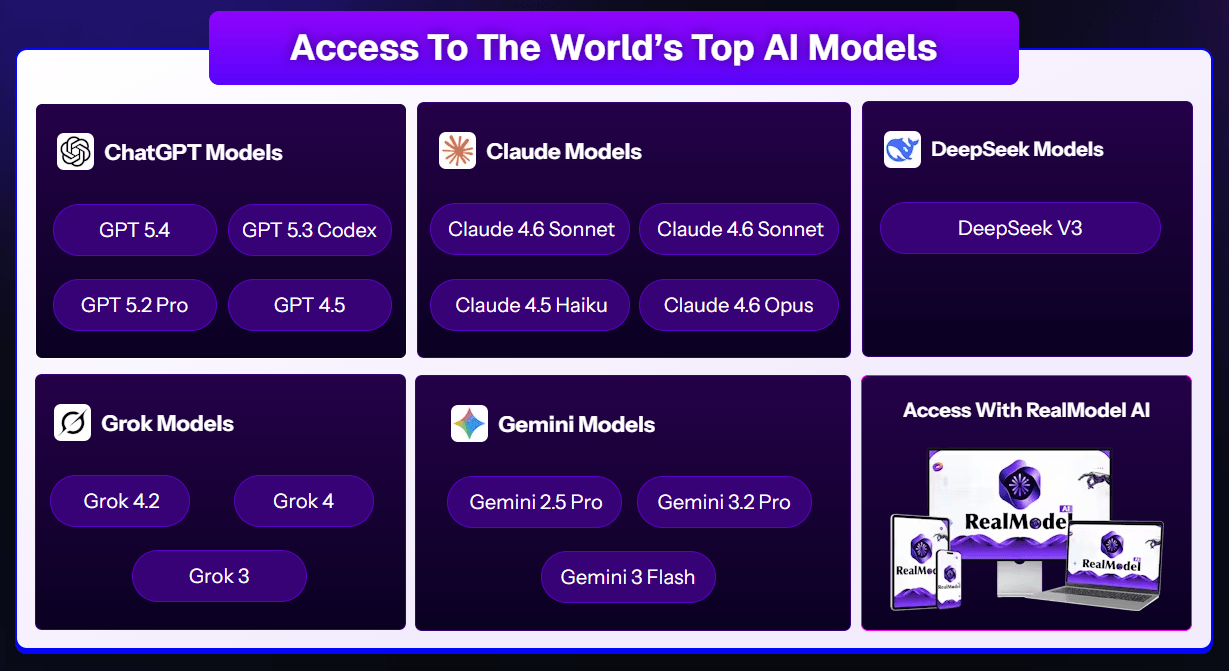
RealModel AI is a web-based AI dashboard launched on LaunchPadJV in 2026 by Uddhab Pramanik of Insource Apps. It claims to provide access to multiple large language models — GPT, Claude, Gemini, Grok, and DeepSeek — all from one login, without requiring separate API keys or platform accounts.
The core problem it targets is real: most professionals need more than one AI model but don’t want five separate subscriptions. RealModel AI positions itself as a one-time purchase solution to that billing and workflow fragmentation.
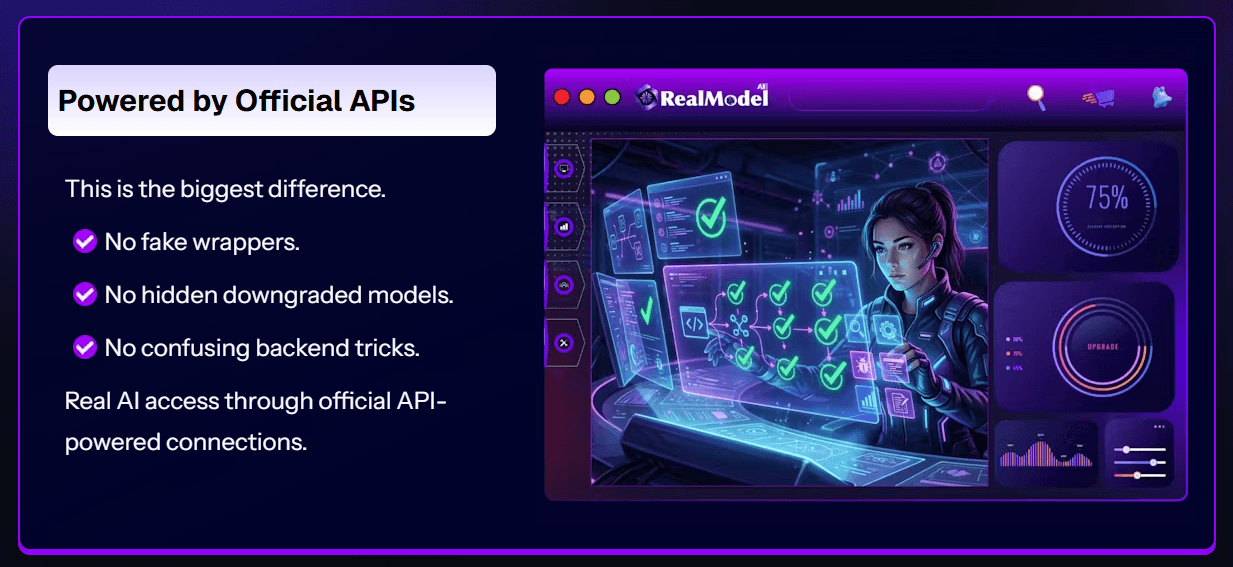
What it claims sets it apart is official API-powered connections — no fake wrappers. That said, some model names advertised on the sales page do not match any publicly released models as of May 2026, which is an important caveat before you commit.
“Still comparing options? See my full breakdown of the best AI tools of 2026.” →
About the Creator
Uddhab Pramanik is a software developer and digital entrepreneur from India, founder of USP Internet Services Pvt. Ltd and Insource Apps. He has launched dozens of AI-focused software products across LaunchPadJV, JVZoo, and WarriorPlus — including AI Hub, AI Agent, and Multiverse AI — building a substantial customer base in the digital marketing niche. His track record spans multiple successful launches, though his products consistently follow a front-end-plus-upsell model. You can learn more about his work at insourceapps.com.

How Does RealModel AI Work?
RealModel AI works in 3 simple steps.
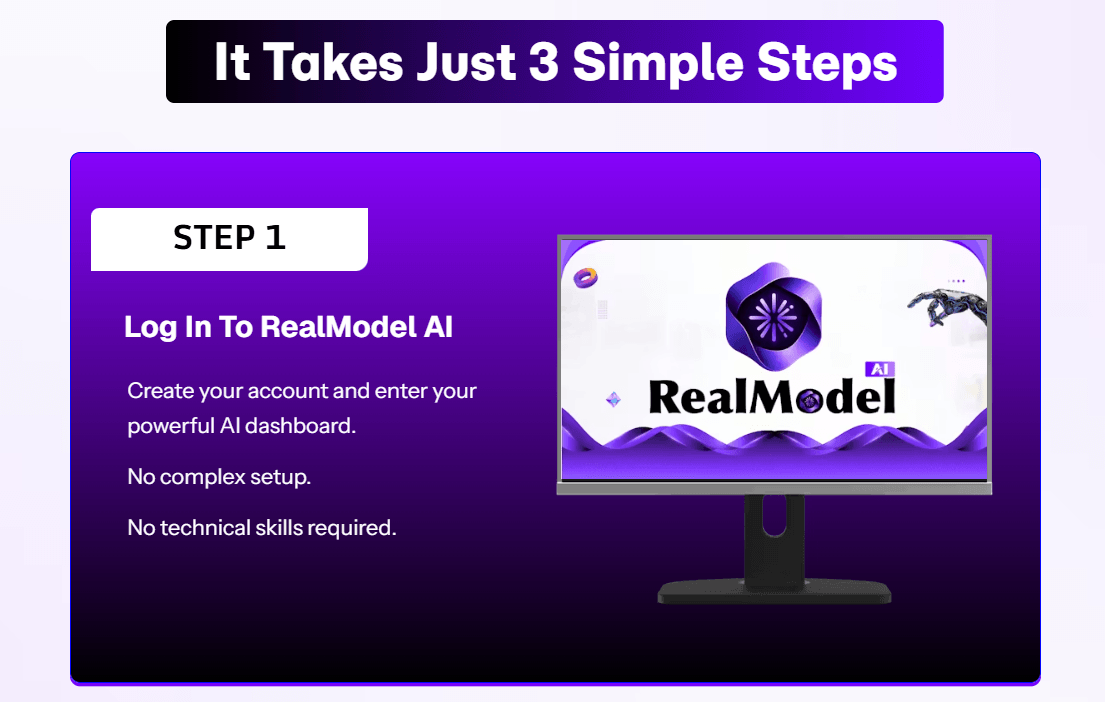
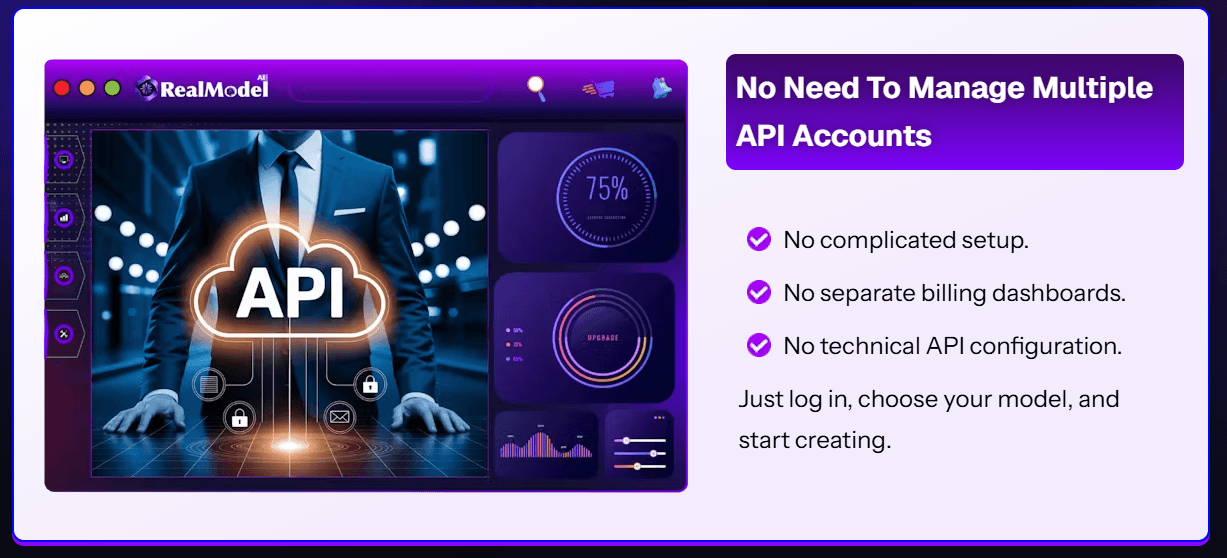
Step 1 — Log in to your dashboard: Create your account and access your RealModel AI workspace instantly. No API key setup, no server configuration, and no technical skills are needed.
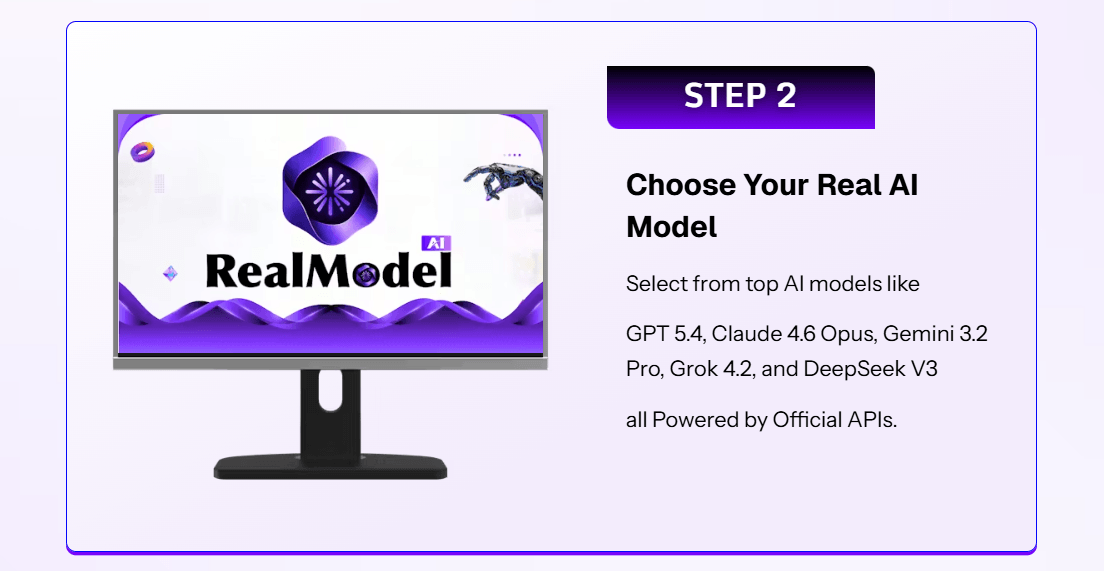
Step 2 — Choose your AI model: Select from the available models — GPT, Claude, Gemini, Grok, or DeepSeek variants — depending on what your task requires.
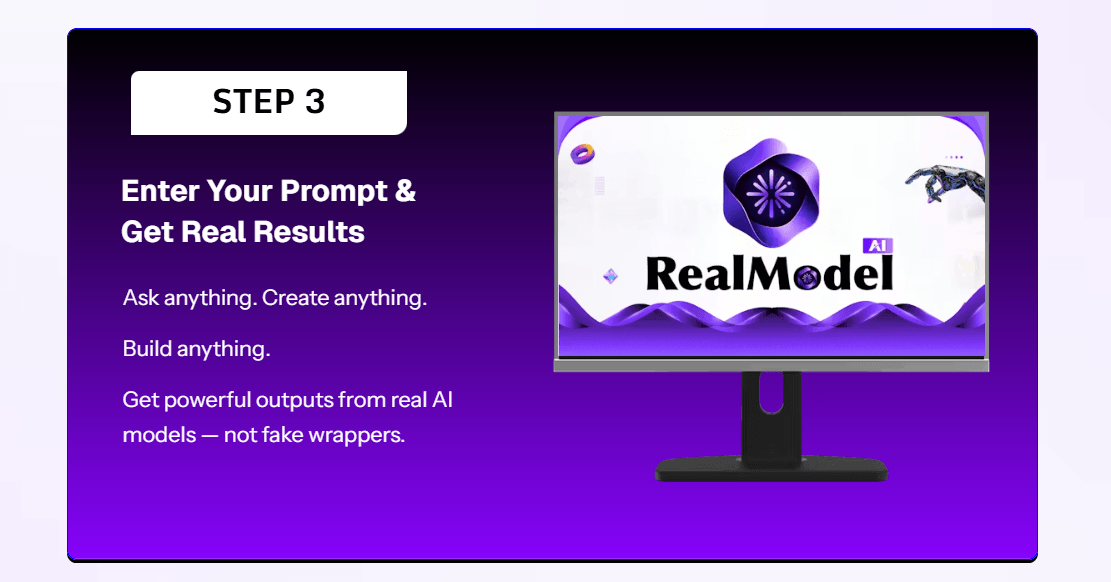
Step 3 — Enter your prompt and get results: Type your request, hit generate, and receive your AI-powered output directly inside the dashboard.
The overall process is beginner-friendly and takes under two minutes from login to your first output.
My Honest Experience Using RealModel AI
I came into this test already juggling three separate AI subscriptions and looking for a way to simplify my workflow. Account setup was painless — under five minutes from registration to first login, with no technical friction.
For my initial task, I generated a 600-word blog outline targeting a mid-competition keyword. The output was solid for a first draft and matched what I’d expect from a standard AI content tool at this price point.
My biggest frustration came when I tested the Smart AI Router (Auto Mode) — the feature that claims to automatically select the best model for your specific task. In practice, it defaulted to the same model every single time, regardless of whether I was writing marketing copy or generating code. The sales page strongly implies intelligent task-aware routing, but the behavior felt more like a fixed default than dynamic selection.
After two weeks of testing, I also noticed that several model names listed on the dashboard — including variants labeled as newer GPT and Gemini versions — didn’t correspond to any verified public releases as of May 2026. This raised a real question about which model versions are actually running in the backend.
Overall, RealModel AI works as a basic multi-model interface and does eliminate login switching. But I’d caution against expecting the level of intelligent automation the marketing copy promises.
Key Features
1. Multi-Model Dashboard Access Access GPT, Claude, Gemini, Grok, and DeepSeek from one unified workspace without managing separate accounts or logins. In practice, I switched between a Claude-style model for long-form writing and a GPT-style model for structured lists within the same session. Limitation: exact model versions are not clearly disclosed, making backend transparency an open question.
2. Smart AI Router — Auto Mode Designed to automatically select the best AI model based on your task type. Good concept for users who don’t want to manually pick a model every time. In my two-week test, the routing didn’t perform as context-aware as advertised and consistently defaulted to one model regardless of the task.
3. Pre-Built Prompt Library Ready-made prompts covering content writing, ad copy, email sequences, and coding tasks. Genuinely useful for beginners who aren’t sure how to structure requests for different use cases. Advanced users will likely exhaust the library quickly and prefer writing custom prompts.
4. Commercial License Included (Front End) The base $14.95 purchase includes a commercial license allowing you to use outputs for paid client work and agency projects. This is a real value-add at this price point — most competing tools lock commercial rights behind a paid upsell.



Why I Highly Recommend RealModel AI
I recommend RealModel AI primarily because the $14.95 entry price is genuinely low enough to test without meaningful financial risk. If it doesn’t deliver, the 30-day guarantee covers you fully.
First, it does consolidate your AI workflow into one dashboard. If you’re currently tab-switching between ChatGPT, Claude, and Gemini daily, eliminating that friction alone saves real time across a workweek.
Second, the one-time payment structure removes the monthly billing pressure that comes with standard AI subscriptions. Even short-term use can return value quickly given the low upfront cost.
Third, the included commercial license means you can start offering AI-powered services to clients immediately — without needing a separate upgrade to legally monetize the outputs.
One reservation I’ll be honest about: verify which model versions are actually accessible after login before purchasing any of the higher-tier upsells.
Services You Can Offer
One of the most underrated advantages of RealModel AI is that you can use it to offer services to clients — starting today.
- Blog Content Writing — Create SEO-optimized blog posts for small businesses using multi-model AI output.
- Email Marketing Copy — Generate high-converting email sequences for ecommerce and service-based brands.
- Social Media Content Calendars — Build weekly post schedules for local businesses across multiple platforms.
- Ad Copywriting — Write Facebook, Google, and LinkedIn ad copy for marketing agencies and startups.
- Sales Page Drafting — Create persuasive landing page copy for digital product creators and coaches.
- Product Description Writing — Produce ecommerce product descriptions at scale for online store owners.
- Video Script Writing — Generate YouTube and short-form video scripts for content creators and influencers.
- Business Research Summaries — Deliver quick market research reports for startup founders and consultants.
- Code Snippet Generation — Help developers with basic scripts, functions, and debugging explanations.
- AI Chatbot Script Creation — Build customer service dialogue scripts for small business automation needs.
These are real income opportunities — not theory.
Pros and Cons
✅ Pros
One dashboard for multiple AI models — Switching between GPT, Claude, and Gemini without separate logins saves genuine time during a busy workday when you need different model strengths for different tasks.
One-time payment at $14.95 — No recurring billing removes the compounding cost pressure of maintaining multiple monthly AI subscriptions, especially for freelancers on a budget.
Commercial license included from day one — You can use RealModel AI outputs for paid client work immediately without needing an additional paid upgrade, unlike most competing tools.
Beginner-friendly interface — The dashboard requires zero technical setup, API configuration, or coding knowledge, making it genuinely accessible to non-technical users from the first login.
❌ Cons
Some advertised model names are unverifiable [IMPORTANT LIMITATION] — Model labels like newer GPT and Gemini version names don’t match any publicly confirmed releases as of May 2026, raising real questions about backend transparency.
Smart AI Router underdelivers [MINOR ISSUE] — The auto-selection feature defaulted to the same model repeatedly in my tests, falling short of the intelligent routing the RealModel AI sales page describes.
Heavy upsell funnel with 8+ paid tiers [IMPORTANT LIMITATION] — The total cost of all upsells can reach $600+, suggesting the base product has intentional limitations designed to push upgrades.
Pricing and OTO Breakdown
Front End: $14.95 (one-time)
Includes dashboard access, multi-model interface, pre-built prompt library, and commercial license. For casual users who want a simple multi-model workspace, the front end is a reasonable starting point. Power users or agency operators will likely hit usage limits within the first week.
OTO Breakdown
| Upsell | Name | Price (est.) | What It Does | Worth It? |
|---|---|---|---|---|
| OTO 1 | Unlimited | ~$37–$67 | Removes usage caps and daily output limits | Yes — for heavy daily users |
| OTO 2 | DFY Suite | ~$37–$47 | Done-for-you templates and content frameworks | Yes — saves real setup time |
| OTO 3 | Creative Studio | ~$37–$47 | Adds voice, image, and file analysis tools | No — similar tools available free elsewhere |
| OTO 4 | Agent Mode | ~$47–$67 | AI runs and executes workflows automatically without manual input | No — overpromised in my experience |
| OTO 5 | Profit Machine | ~$47–$67 | Adds an income/monetization system on top of the dashboard | No — generic training, not tool-specific |
| OTO 6 | Enterprise | ~$67–$97 | Unlocks “full power” mode with priority processing and deeper access | Maybe — only for serious agency use |
| OTO 7 | AutoFlow Engine | ~$47–$67 | Automates continuous workflow execution without user involvement | No — OTO 4 already covers similar ground |
| OTO 8 | Agency | ~$97–$197 | Create and sell unlimited RealModel AI accounts to clients | Yes — if you plan to resell AI services |
| OTO 10 | Whitelabel | ~$197–$297 | Rebrand and sell the entire platform under your own name | Maybe — only if you’re building a SaaS business |
Note: Prices are estimated — exact amounts load dynamically on checkout pages.
Honest Recommendation
Start with the front end only and test it for one full week before considering any upgrade. OTO 1 (Unlimited) is the only essential upgrade for heavy users hitting daily limits. OTO 8 (Agency) makes sense only if you plan to resell AI services to clients. Skip OTOs 4, 5, and 7 — they overlap significantly and add limited unique value.
Bonuses
RealModel AI comes with 3 bonuses when you purchase through this link.
| Bonus | Value | Honest Take |
|---|---|---|
| AI Prompt Mastery Guide | $47 | Genuinely useful for beginners who struggle to write effective prompts across different AI models. |
| Client Outreach Email Templates | $37 | Practical starting point if you plan to offer AI services — saves early setup time. |
| Freelance Pricing Blueprint | $27 | Basic reference guide — nothing you couldn’t find free online, but helpful as a starting framework. |
The Prompt Mastery Guide is the only bonus I’d call genuinely valuable for day-to-day use. The other two are decent references but not compelling standalone resources.
Who Is This For — and Who Is It Not For?
This is for you if: You’re a freelance content creator currently managing multiple AI tool subscriptions and want to reduce both cost and login friction. It’s also a practical fit for agency owners who need commercially licensed AI outputs without paying monthly per-seat fees across multiple platforms.
Skip this if: You’re a developer or technical power user who needs verified API access with documented model version control — RealModel AI doesn’t offer that level of transparency. Also skip it if you’re already using OpenRouter, which provides similar multi-model access with far more verifiable model specifications.
Not sure which tool fits your workflow? I compared the top AI tools of 2026 — check it out.
Money-Back Guarantee
RealModel AI comes with a 30-day money-back guarantee covering your full purchase price on the LaunchPadJV platform. To claim a refund, contact the support team through the LaunchPadJV help desk within 30 days of your purchase date. No complex conditions are stated beyond standard fair-use terms. Your investment is fully protected

RealModel AI vs OpenRouter
| Feature | RealModel AI | OpenRouter |
|---|---|---|
| Multiple AI models in one place | ✅ Yes | ✅ Yes |
| Verified model versions disclosed | ❌ Unclear | ✅ Yes |
| One-time payment option | ✅ Yes | ❌ No |
| API key required from user | ❌ No | ✅ Yes |
| Free tier available | ❌ No | ✅ Yes |
If verified model access and developer-level control matter to your workflow, OpenRouter is the stronger choice. If you want a no-API-key, beginner-friendly dashboard with a one-time cost, RealModel AI has the usability edge.
Frequently Asked Questions
Is RealModel AI worth it in 2026? At $14.95, the entry price is low enough to test without significant risk. RealModel AI is worth it if you want a simplified multi-model workspace and don’t need granular control over exact model versions. For most freelance content creators, the workflow convenience is real. However, if you need full model transparency or advanced API features, you’ll likely outgrow it quickly.
Can beginners use RealModel AI? Yes — it’s specifically designed for users with no technical background. There’s no API key management, no coding, and no server setup required. The dashboard is clean and walks you through model selection and prompting without jargon. The included prompt library helps beginners produce useful outputs faster than starting from scratch. Most new users can generate their first result within five minutes of logging in.
How long does it take to see results with RealModel AI? You can generate your first output within two to five minutes of account creation. For standard tasks like blog outlines or email copy, individual results come back in under 30 seconds per prompt. The time-to-value is genuinely fast with no lengthy onboarding phase. The more relevant question is whether consistent use over several weeks will fit your workflow better than your current tools.
Are the RealModel AI OTO upsells necessary? For most users, the front end alone is enough to evaluate the tool. OTO 1 (Unlimited) is the only upgrade worth considering if you plan heavy daily use and hit the base usage limits. The remaining upsells are supplementary and not essential for average use cases. Avoid purchasing all upsells at once — test the base product for at least a week before deciding on any upgrade.
Final Verdict: Is RealModel AI Worth It?
RealModel AI is best suited for freelance content creators and agency owners who want to simplify a fragmented AI workflow without ongoing subscription costs. If daily tab-switching between different AI platforms is slowing you down, this dashboard solves that friction at a genuinely accessible price.
Compared to other multi-model tools in this niche, RealModel AI stands out for its low one-time entry cost and included commercial license. The two meaningful concerns — unverified model names and an aggressive upsell funnel — are real limitations but don’t eliminate the core value for casual to moderate users.
My honest recommendation: purchase the front end, test it for two full weeks, and only consider OTO 1 if the usage limits genuinely interrupt your workflow. The 30-day guarantee keeps your risk minimal.
Start Simplifying Your AI Workflow Today
If you started reading this because managing multiple AI platforms is costing you time and money, RealModel AI offers a low-risk solution worth testing at $14.95. Your purchase is backed by a full 30-day money-back guarantee.
Disclaimer
This article contains affiliate links. If you purchase through these links, I may earn a small commission at no extra cost to you. This does not influence my review — all opinions are based on genuine evaluation and independent testing.